


Meeting Bono with Nano Banana
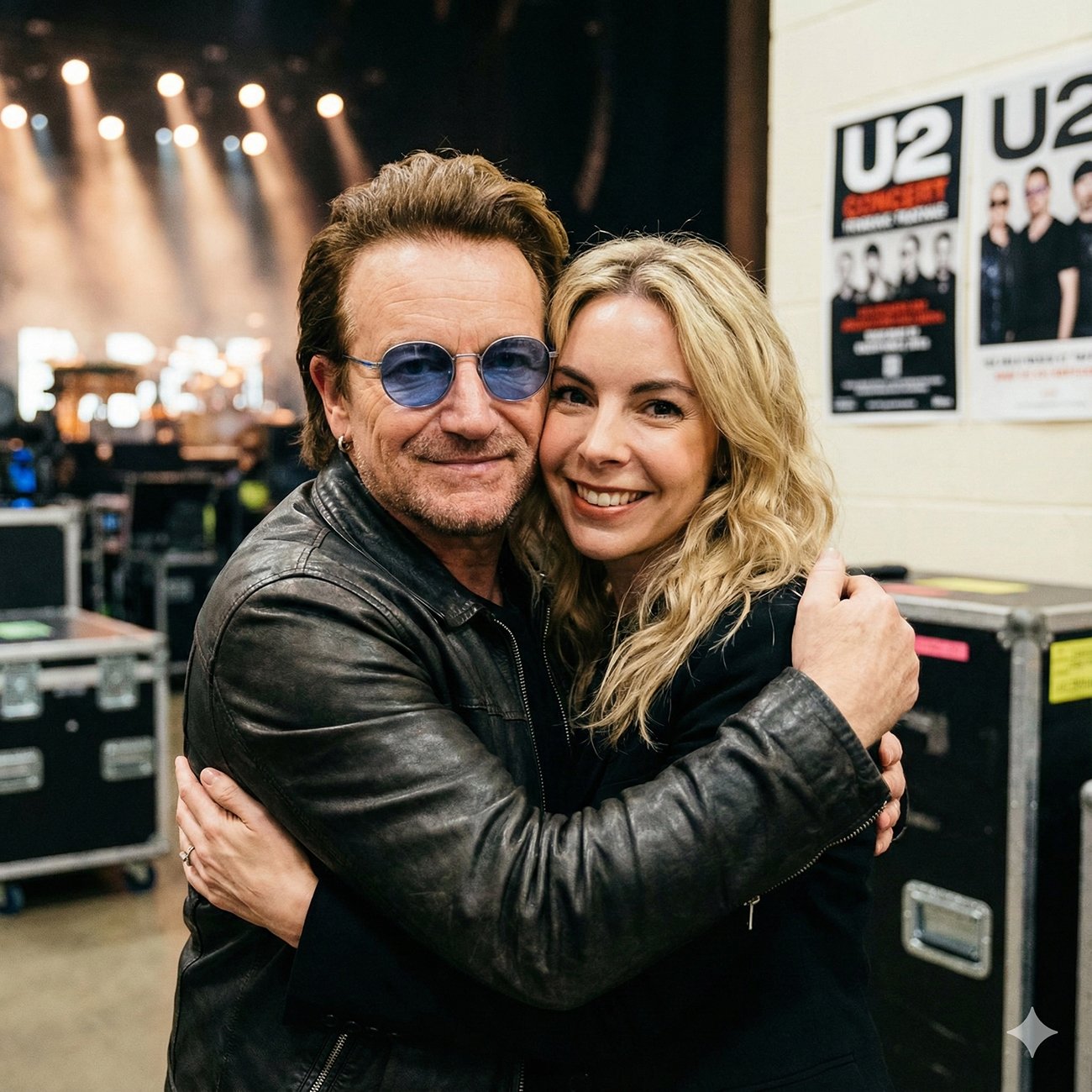
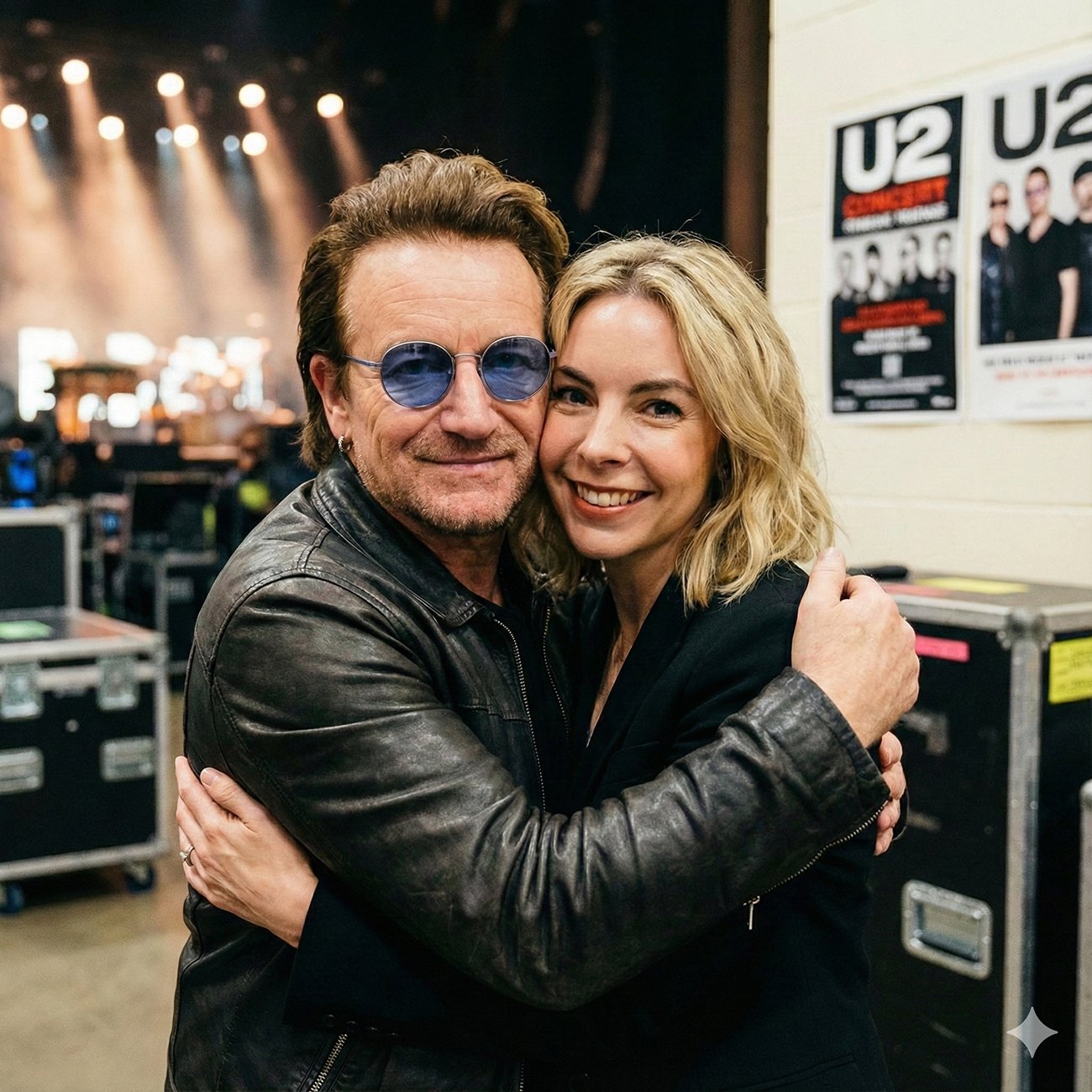
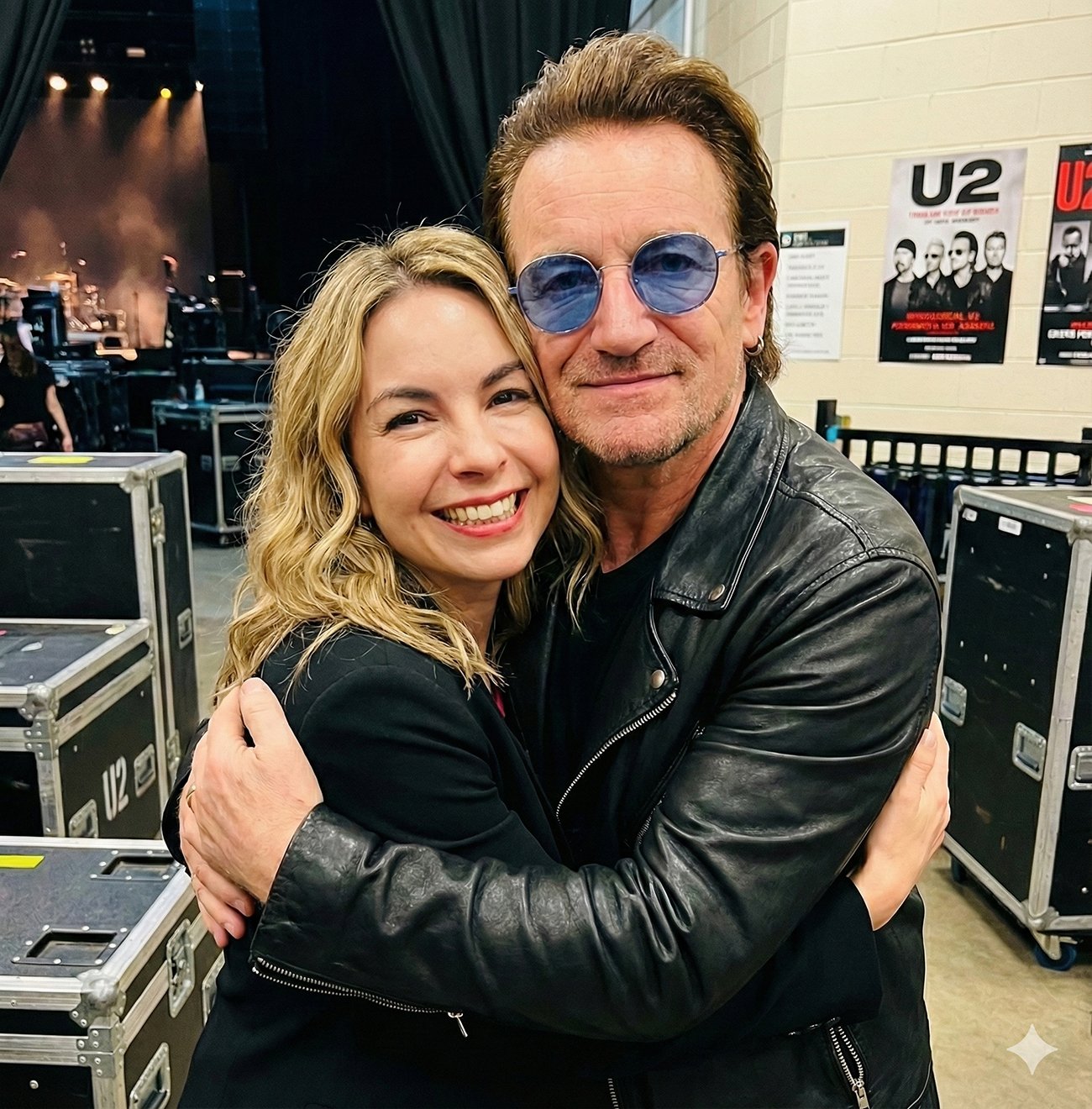
I have to admit, I’m still surprised by what I managed to achieve using Nano Banana. You probably saw the photo I recently shared: me, smiling broadly, hugging Bono backstage at a U2 concert. While the image itself isn’t real, my love for U2 definitely is ;). What is truly incredible, however, is just how unbelievably realistic the final result turned out to be.
Many people think using these tools just means typing “I want a photo with Bono” and hoping for a miracle. But the reality is, to get professional and credible results, you have to know how to “speak” to the AI. I want to share the process behind that image and my keys to being effective when using Nano Banana.
The secret isn’t the first prompt; it’s the iteration.
As an expert in using this tool, I’ve learned that the initial result is almost never the final one. It’s just a starting point. The real magic happens during refinement.
To achieve this specific image, the process was a multi-stage conversation with Nano Banana:
-
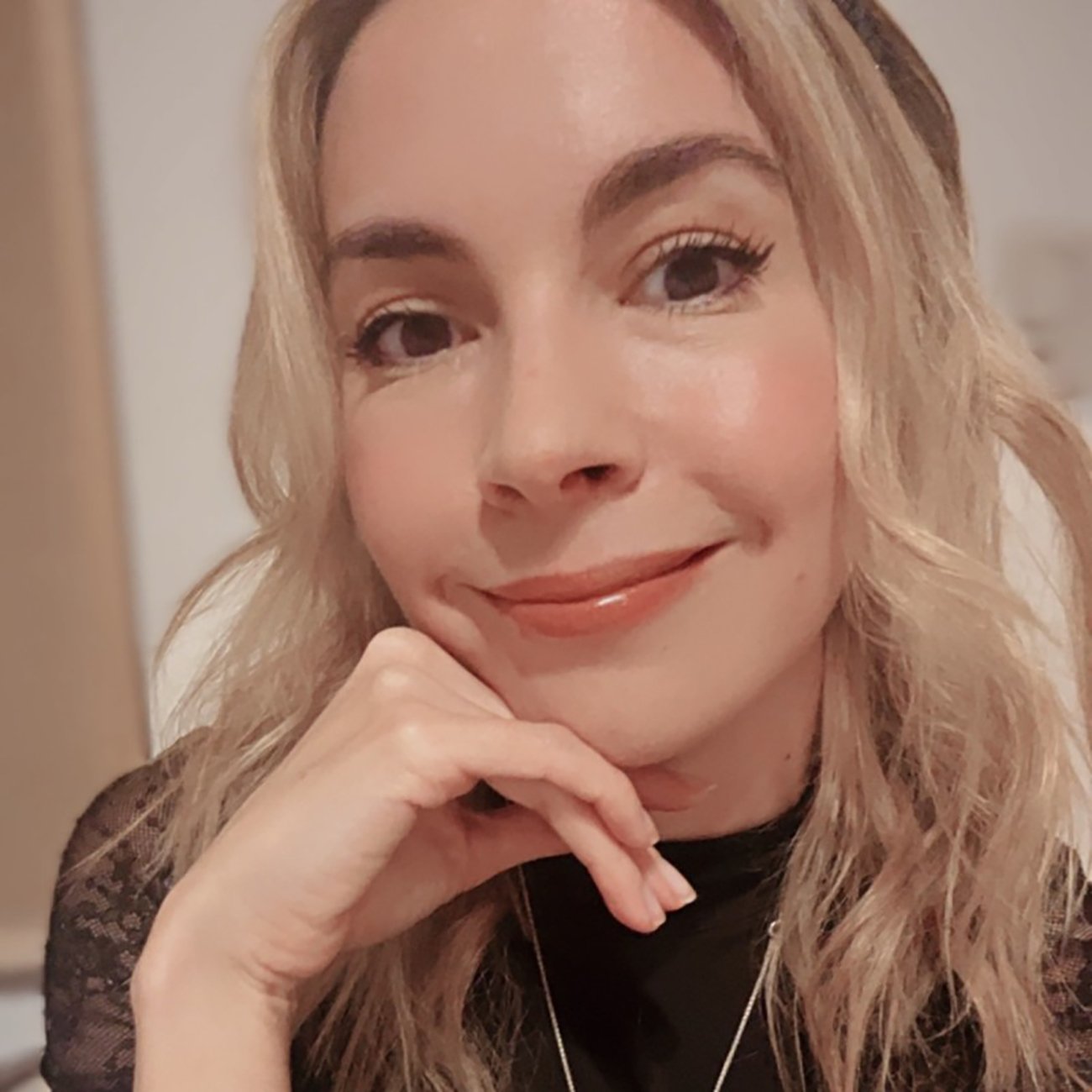
Establishing Identity: The first step was ensuring the AI knew exactly who I am. We used a solid base of my current photos to capture my specific features accurately.
-
The Setting: Next, we requested the specific scenario: the warm hug, the cluttered backstage environment, and realistic concert lighting. Nano Banana understood the vibe perfectly.
-
Art Direction (Here is the key): The initial image generated was good, but my hair was too long. I didn’t settle for “good enough.” I specifically asked the AI to adjust my haircut to a shoulder-length “lob,” while keeping the same waves and texture.
-
The Final Touch-up: Finally, to give it that professional photography finish, I asked for a very subtle skin retouch. The instruction was crucial: “slightly smoother, not too much.” It is vital to know when to stop to ensure you don’t lose naturalness.
My advice to you:
Being effective with Nano Banana means being a good director. Don’t be afraid to ask for specific changes. Be precise with your language (“a little shorter,” “warm lighting,” “subtly”). The tool is incredibly powerful, but it needs your expert vision to transform an image from simply “good” to “spectacular.”
Go ahead and try it out, refining your results until the image tells exactly the story you want!

Leave a Reply